Why Your 144Hz/240Hz Monitor is Stuck at 60Hz in Windows
Not able to get the promised 144Hz/240Hz refresh rates out of your gaming monitor? Get unstuck from 60Hz with this troubleshooting guide.

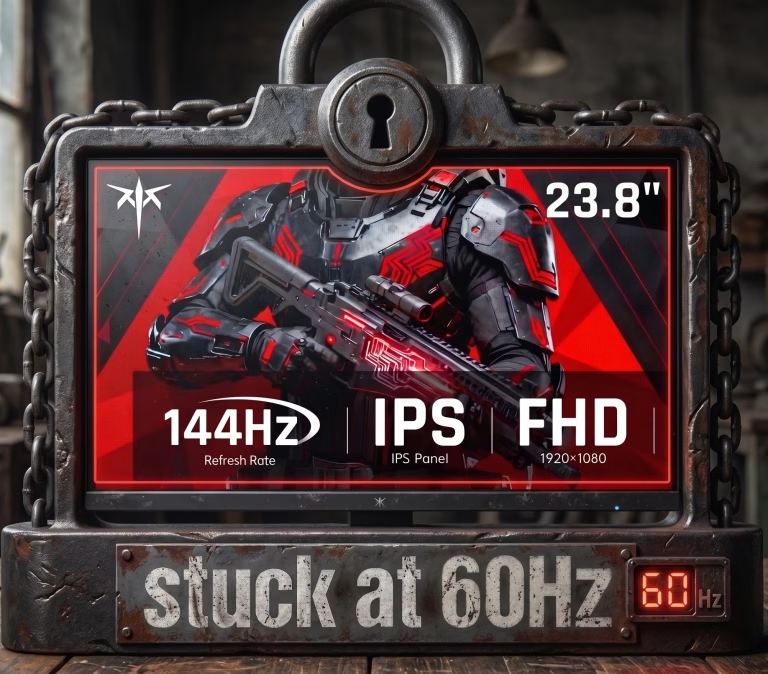
Not able to get the promised 144Hz/240Hz refresh rates out of your gaming monitor? Get unstuck from 60Hz with this troubleshooting guide.
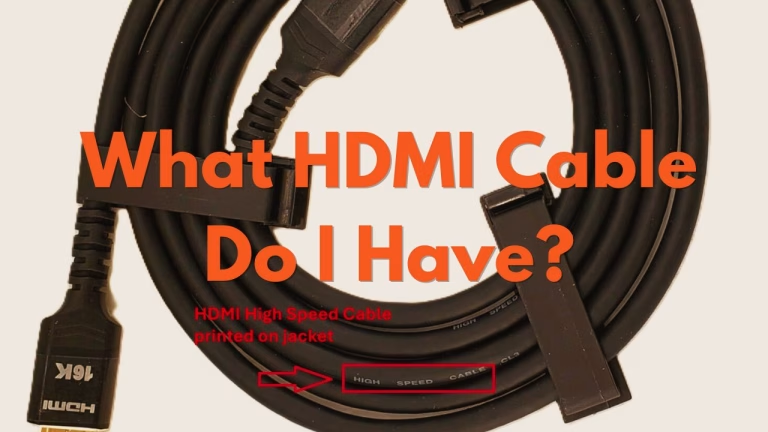
HDMI cables look physically identical, with the same connector, it is impossible to tell them apart just by looking at the metal ends. Here are the clues to identify what HDMI cable you have.
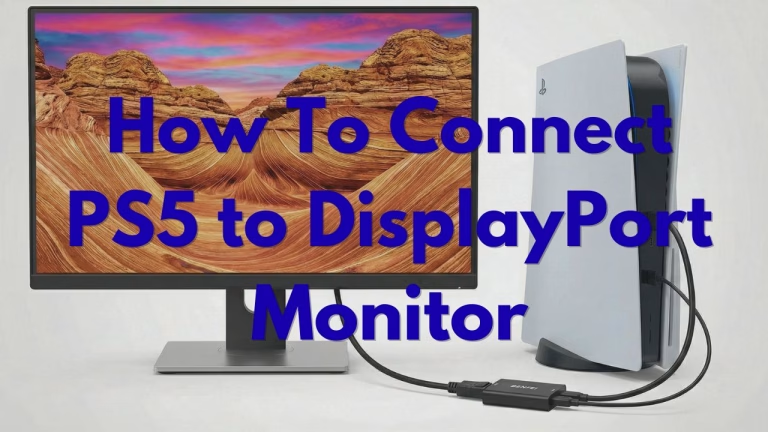
Trying to plug your PS5 into a gaming monitor and realized it’s missing a DisplayPort? Find out which Active HDMI to DisplayPort adapters support 4K @ 120Hz and how to fix the “No Signal” black screen.
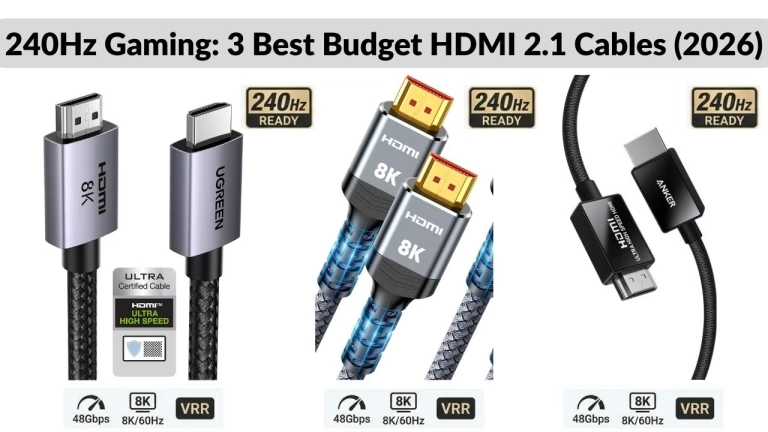
Don’t waste $50 on an expensive HDMI cable at the store. If you need to hit 240Hz at 1080p or 1440p, these certified Ultra High Speed HDMI 2.1 cables offer the best performance for under $15.
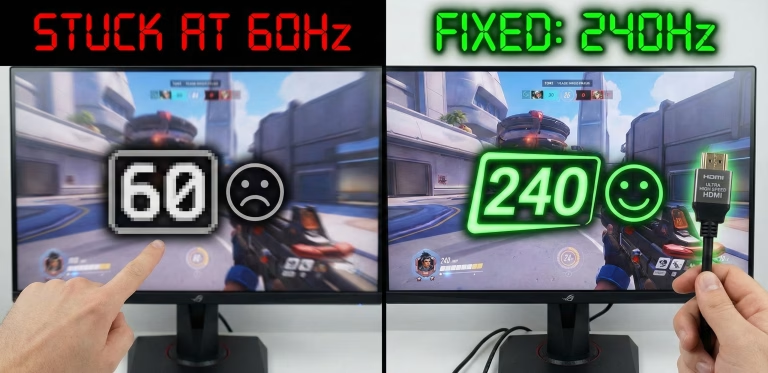
Is your 240Hz monitor capped at 60Hz or 144Hz? In this article, we’ll show you how to unlock that 240Hz refresh rate by fixing Windows settings, GPU ports, and cable bottlenecks. It’ll all take less than 5 minutes. Troubleshooting in 30-Seconds: If your 240Hz monitor is only showing 60Hz, it is usually because of one…
Buying a 240Hz monitor is only the first step. Your cable must be able to handle the bandwidth. If you’re stuck at 60Hz or 144Hz, your HDMI cable is likely the bottleneck. Here is exactly which cable you need for 1080p, 1440p, and 4K at 240Hz.
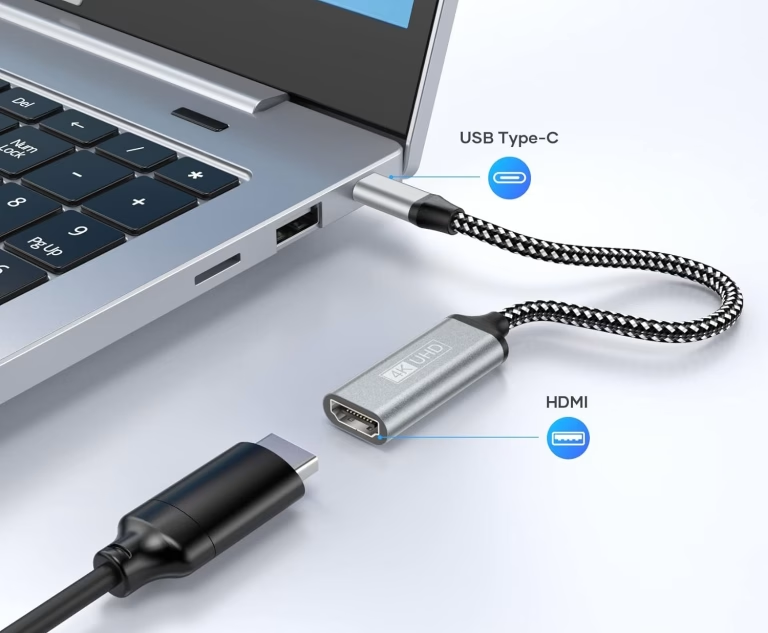
Need to connect your new laptop to your TV but your laptop only has USB-C ports? This is where a USB-C to HDMI adapter comes in.

If you’ve recently purchased a Wii second-hand or dug your old system out of storage, you might be wondering: Does the Nintendo Wii have HDMI?

What’s the best HDMI cable for a golf simulator projector? This guide covers everything you need to know, from active cables to fiber optic options.
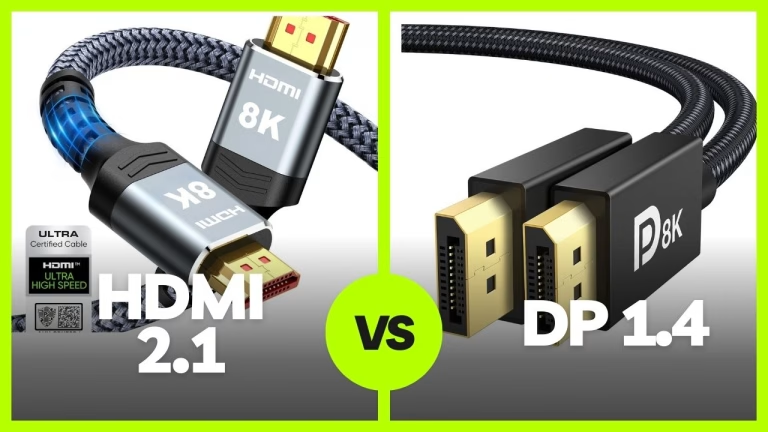
HDMI 2.1 or DisplayPort 1.4? HDMI 2.1 has the bandwidth advantage, but DisplayPort 1.4 can be more reliable. Learn which is best for your setup.