fixing-60Hz-to-240Hz Display

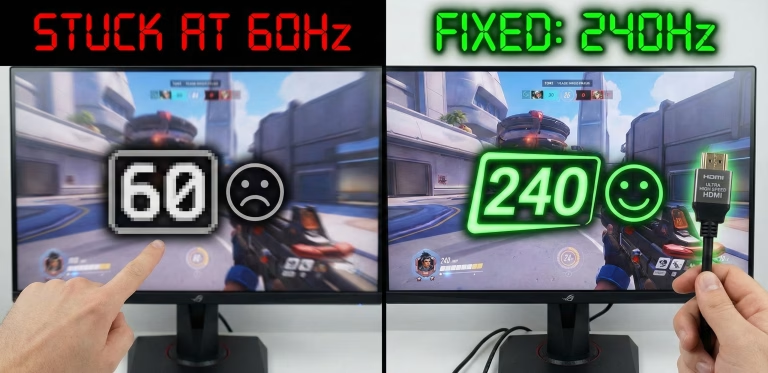
Why is My 240Hz Monitor Stuck at 60Hz? (5 Ways to Fix It)

Is your 240Hz monitor capped at 60Hz or 144Hz? In this article, we’ll show you how to unlock that 240Hz refresh rate by fixing Windows settings, GPU ports, and cable bottlenecks. It’ll all take less than 5 minutes. Troubleshooting in 30-Seconds: If your 240Hz monitor is only showing 60Hz, it is usually because of one…

Mini DisplayPort to DisplayPort Adapters

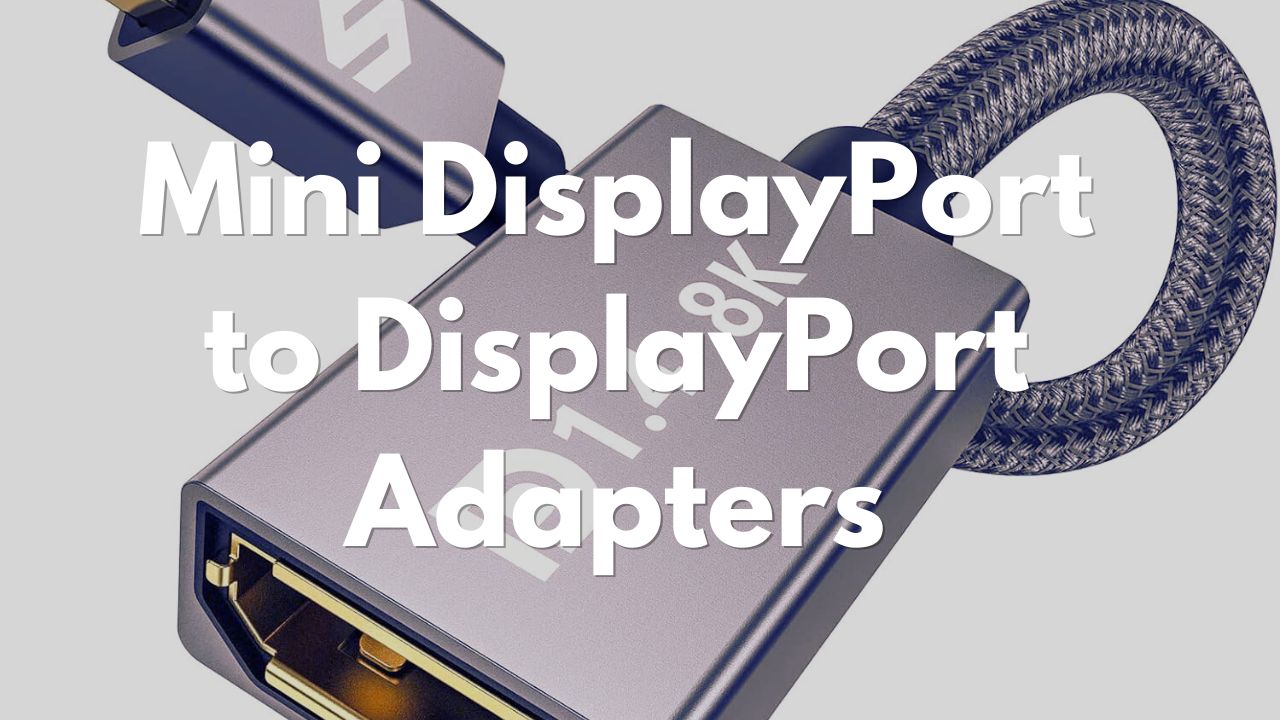
Best Mini DisplayPort to DisplayPort Adapters: Connect Your Mac to Any Monitor

Do you find your monitor options limited with your older Mac? It doesn’t have to be that way! With a Mini DisplayPort (Mini DP) to DisplayPort (DP) adapter you can simply and affordably connect your MacBook, iMac, or other Mini DP device to the latest monitors. In this guide, we’ll cover everything you need to…

usb-c to displayport cables
|

USB-C To DisplayPort Cable | The Best For Your Setup

Looking for a USB-C to DisplayPort cable to connect your laptop with a USB-C port to your monitor with DisplayPort? They are definitely worth getting because they will allow you to transmit high-quality video and audio signals from your device to the monitor, and enjoy features like 4K resolution, high refresh rates, HDR, and adaptive…