How to Tell if Your HDMI Cable is 2.1 or 2.0
Because HDMI cables look physically identical, with the same connector, it is impossible to tell them apart just by looking at the metal ends. However, the internal wiring and shielding are vastly different. Using a 2.0 cable on a 2.1 device like the RTX 5080 could result in flickering, black screens, or your 240Hz monitor being stuck at 60Hz.
Here are the three ways to identify whether your cable is HDMI 2.0 or HDMI 2.1.
1. The QR Code & Hologram
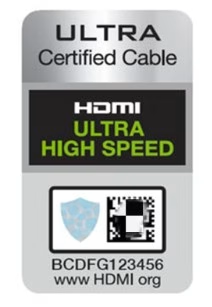
Since 2020, the HDMI Forum has mandated a specific “Ultra High Speed” certification for 2.1 cables. If you still have the box, look for a holographic label.
The Label must say “Ultra High Speed HDMI” and feature a silver hologram. Download the official HDMI Cable Certification App (iOS/Android) and scan the QR code on the box. If the app returns “Authentic,” the cable is guaranteed to handle 48Gbps.
If the box says “HDMI 2.1 Compatible” but doesn’t have the official holographic QR code, it has likely not been certified and may fail to reach 120Hz.
2. Check the “Jacket Printing”
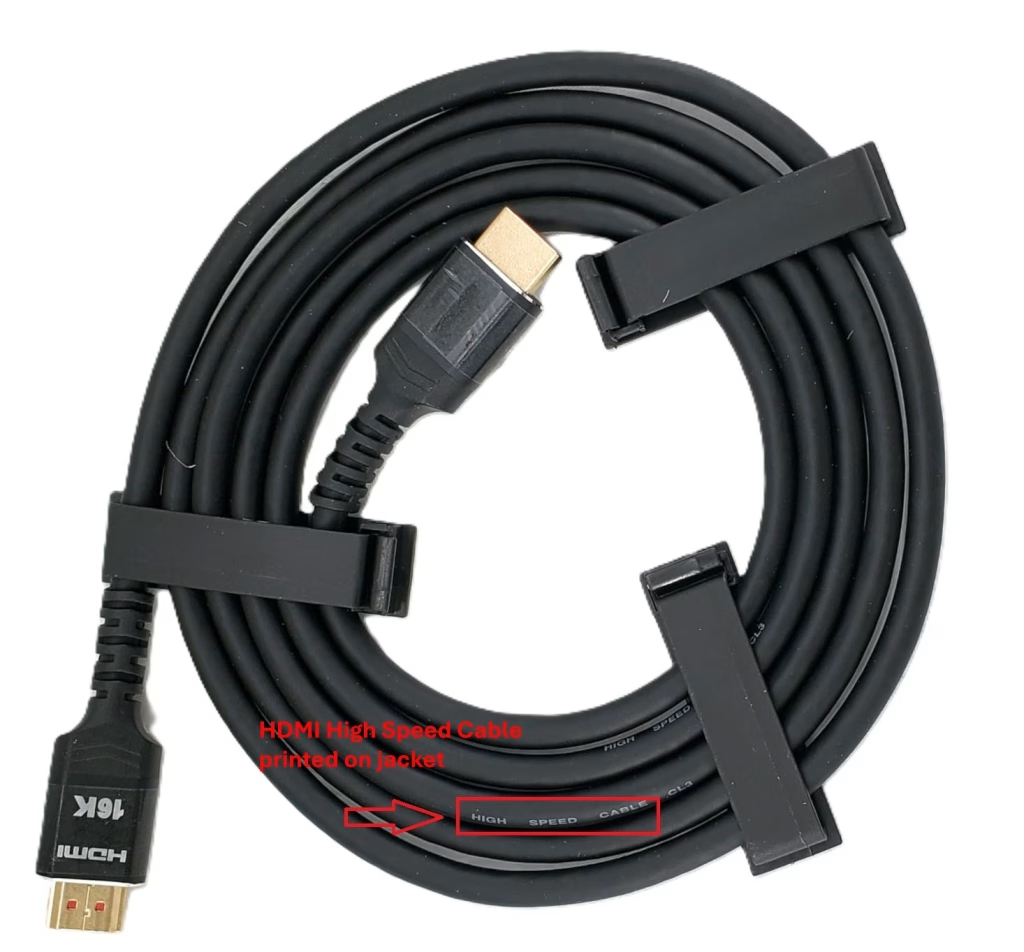
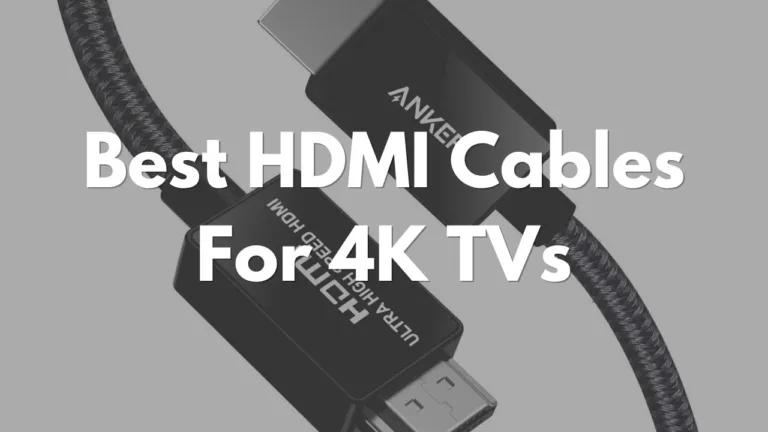
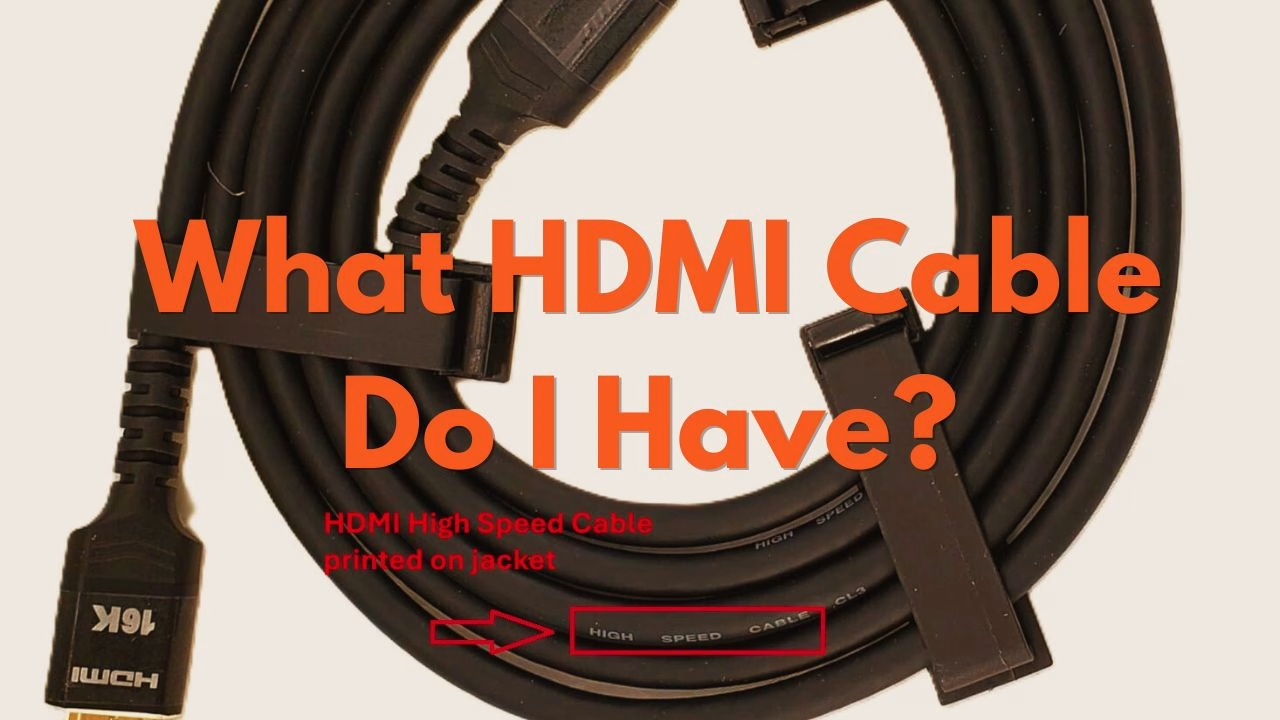
If you’ve thrown away the box, look at the cable’s outer sleeve (the jacket). Certified manufacturers typically print the cable’s official name every few feet like in the picture above.
- HDMI 2.1: Look for the phrase “Ultra High Speed HDMI Cable.”
- HDMI 2.0: Look for “High Speed HDMI Cable.”
Unlike scanning the hologram, identifying whether a HDMI cable is HDMI 2.0 or 2.1 by the text on the cable jacket is less reliable. Some HDMI 2.1 cables also just have “High Speed HDMI Cable” printed on them.
3. The Console Diagnostic Test
If you have a gaming console like a Playstation 5 or an Xbox, you can see if your display settings are limited on your screen. Of course, this assumes that your TV or screen is capable of 1440p @ 120Hz.
On PlayStation 5:
- Go to Settings > Screen and Video > Video Output.
- Select Video Output Information.
- Look at the Resolution. If it shows “3840 x 2160 – 120Hz” or mentions VRR (Variable Refresh Rate), you have a 2.1 cable.
- Note: If it shows 60Hz even though you have a 120Hz TV, the cable is likely the bottleneck.
On Xbox Series X:
- Go to Settings > General > TV & Display Options.
- Select 4K TV Details.
- If you see green checkmarks next to “4K UHD at 120Hz” and “Dolby Vision,” your cable is successfully providing 2.1 bandwidth.
Technical Comparison: Why HDMI Version Matters
The jump from HDMI 2.0 to 2.1 is a significant, nearly 3x increase, in data throughput.
| Feature | HDMI 2.0 (Premium) | HDMI 2.1 (Ultra) |
| Max Bandwidth | 18 Gbps | 48 Gbps |
| Max Resolution | 4K @ 60Hz | 8K @ 60Hz / 4K @ 120Hz |
| HDR | Static (HDR10) | Dynamic (Dolby Vision) |
| Audio | ARC | eARC (Uncompressed) |
| Best For | Streaming (Netflix/Roku) | PS5, Xbox Series X, RTX 5080 |
Recommendations For The Best Certified Ultra High Speed Cables
If your current cable failed the tests above, you need a replacement that is VESA and HDMI Forum certified.
| Cable | Best For | Why We Recommend It |
| Zeskit Maya 2.1 | Enthusiasts | One of the first cables ever certified. It has thousands of 5-star reviews for 4K/120Hz stability. |
| Cable Matters 3-Pack | Value | The best way to “future-proof” your whole living room for the price of one premium cable. |
| Ugreen 8K HDMI | Durability | Features a reinforced braided jacket that is good for tight bends behind wall-mounted TVs. |
For a deeper dive into the specific performance of these picks, check out our full guide on the Best Budget HDMI 2.1 Cables for 240Hz Gaming.
Do You Need to Upgrade To A HDMI 2.1 Cable?
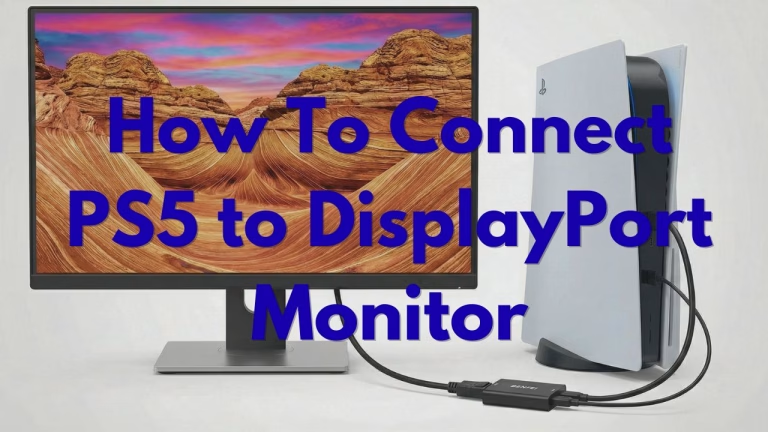
If you are playing on a standard 4K TV at 60Hz, your existing HDMI 2.0 cable is perfectly fine. However, if you have a PS5 and need to connect it to a DisplayPort monitor or a 4K@120Hz 120Hz TV, the Ultra High Speed 2.1 cable is necessary in order to achieve what the console/TV is capable of.
Benjamin Wallace

A software engineer, I have a strong interest in technology, bot software and hardware. Blogging is a way to share what I have learned and hopefully people will find it useful.